
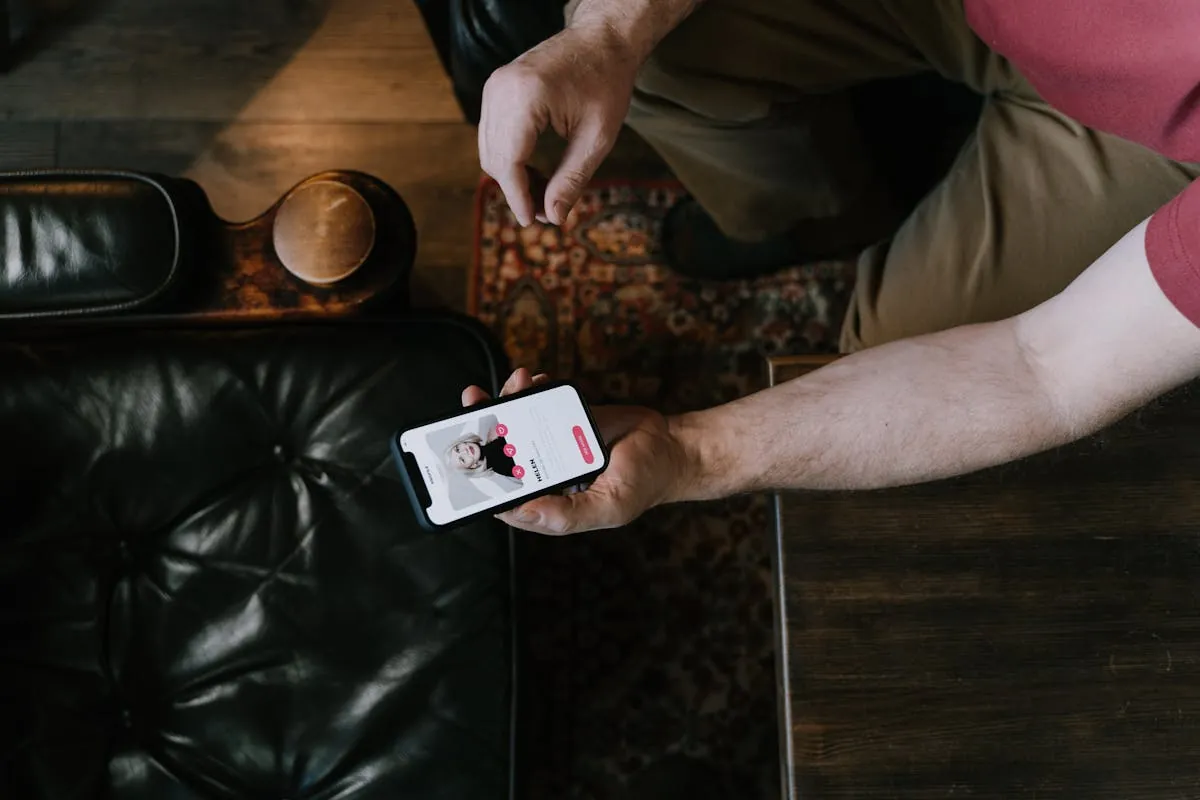
Hinge is not Tinder. The city in your profile is what feeds the match algorithm, and your live GPS only plays a supporting role. That changes which tricks actually move the needle, and the answer is different again depending on whether you are on iPhone or Android. Below are the six methods people use in 2026, ranked by what works, with the iPhone and Android steps for each.
Quick Comparison
| Method | Platform | Cost | Best For |
|---|---|---|---|
| 1. Edit profile city | iPhone & Android | $0 | Permanent moves only |
| 2. Hinge+ / HingeX | iPhone & Android | $9.99-$59.99/mo | Travel, no risk |
| 3. Send fake location in chat | iPhone & Android (different tools) | Free | After matching, privacy |
| 4. Mock location (developer options) | Android only | Free | Android users wanting full spoof |
| 5. USB spoofer + computer | iPhone only | $10-$40/mo | iPhone power users |
| 6. Fake GPS app from Play Store | Android only | Free | Android, casual use |
How Hinge Actually Reads Your Location
Two signals matter on Hinge: the "My location" field in your profile, and your phone's GPS. The profile city is what builds your match queue. The GPS exists mostly as a consistency check, so Hinge can flag obvious mismatches (profile says Miami, phone says Berlin).
That asymmetry is why the methods below rank the way they do. Changing the profile is what changes who you see. Changing the GPS, on its own, does very little for Hinge.
Method 1: Change Your Profile City (Free, Both Platforms)
Hinge lets every user edit their location once, intended for when you actually move. The catch: if your phone's GPS keeps reporting your old city, Hinge will often revert the change after a few days. So this method works cleanly only if you are really relocating, or if you pair it with another method that aligns the GPS (Method 4 or 5).
Steps (identical on iPhone and Android)
- Tap your profile photo (bottom right).
- Tap the pencil to edit your profile.
- Scroll to "My location" and tap it.
- Search for the new city and save.
Works for: permanent moves, or trips of a month or more.
Does not work for: weekend visits, hopping between cities. Hinge will fight you.
Method 2: Hinge+ or HingeX, Travel Feature (Both Platforms)
On paid tiers, Hinge gives you a proper location filter. You can sit in Berlin and browse Tokyo. No spoofing, no GPS games. Your profile shows that you are based in your home city but searching elsewhere, which most users do not even notice.
Steps (iPhone and Android)
- Go to your profile, then Settings (gear icon).
- Tap "Discovery preferences."
- Tap the location field and search for any city.
- Save. Matches from there appear within minutes.
Pricing in May 2026: Hinge+ around $9.99/week or $29.99/month. HingeX between $19.99 and $59.99/month depending on region. Both work the same on iPhone and Android.
Best for: anyone willing to pay, especially for travel. The only zero-risk option.
Method 3: Send a Believable Location in Chat (Free, Both Platforms)
Here is the angle most Hinge guides skip. Once you have matched and started chatting, the conversation almost always moves to iMessage, WhatsApp or Instagram within a few messages. The moment your match says "where are you right now," you have full control over the answer. Hinge has zero visibility into off-platform messages, so sending a fake location after the move is essentially undetectable.
If you are on iPhone
Location Changer is built for exactly this. Open it, tap anywhere on the map, and it generates a shareable card with:
- The street address (auto-detected)
- Exact GPS coordinates
- Elevation
- A real Apple Maps link that opens on your match's phone
Send it in iMessage, WhatsApp, Mail, Telegram or anywhere else. iMessage renders the link as a tappable Apple Maps preview, identical to a real shared location.
If you are on Android
Easiest free method: open Google Maps, long-press the spot you want, tap the dropped pin, tap Share, copy the link, paste in chat. Add the address and coordinates manually if you want to make it look more polished. The link opens in Google Maps for the recipient.
For a richer card, free Android apps like "Fake GPS Location" or "Mock Locations" let you set a mock position and then use WhatsApp's "Send Live Location" or "Send Current Location" feature, which will broadcast the mock coordinates instead of your real ones (more setup, see Method 4).
Free iPhone App: Drop a Pin, Share a Real Apple Maps Card
Location Changer turns any spot on the map into a shareable Apple Maps card with the address, exact coordinates and elevation already filled in. Send it in iMessage, WhatsApp, Mail or any chat. Nothing leaves your phone's system GPS untouched, so nothing for Hinge to flag.


Method 4: Mock Location via Developer Options (Android Only, Free)
Android has a built-in mock location system. Combined with a free Fake GPS app, this changes the GPS coordinates every app on your phone reads, Hinge included. No computer, no root, no money.
Steps
- Go to Settings, About phone, and tap Build number 7 times. This unlocks Developer Options.
- Install a free fake GPS app: "Fake GPS Location" by Lexa, "Fake GPS Joystick" or "GPS Emulator" all work.
- Open Settings, System, Developer Options, then "Select mock location app." Pick the fake GPS app.
- Open the fake GPS app, choose a spot on the map, hit Start.
- Open Hinge. Your location matches the fake spot.
Catch: Hinge cross-checks GPS, IP and Wi-Fi. Mock location only changes GPS. The IP from your home Wi-Fi gives you away. Pair with a VPN connected to a server in your fake city for cleaner results, or use mobile data.
Detection risk: Hinge knows about the Android mock location flag (it is a system-level signal). Some apps refuse to run when mock location is active. Hinge currently does not block, but it does throttle accounts where the signals disagree.
Method 5: USB Cable Spoofer (iPhone Only)
Tools like Tenorshare iAnyGo, iMyFone AnyTo and LocaChange override the iPhone's system GPS via USB while the phone is connected to a computer. Pricing sits around $9.99-$19.99/mo or $60-$80 lifetime. Every app sees the fake coordinates, Hinge included.
On Hinge specifically, this helps with the consistency check (keeps your GPS aligned with your declared city) but does not change the match algorithm by itself. For matching you still need to change your profile city, which still requires Hinge+ on the free tier. So spoofing alone is rarely the full answer for Hinge.
Since late 2024 Hinge has been silently throttling accounts where the declared city, GPS and IP disagree. Add a VPN connected to a server in your fake city if you go this route.
Method 6: Fake GPS Apps from Play Store (Android Only)
Same idea as Method 4 but without touching Developer Options. Several apps on the Play Store now use Android's newer location framework to set a per-app fake location without enabling mock location at the system level. These are harder for apps to detect.
- Fake GPS Location Spoofer Free: simple, free, ad-supported.
- FGL Pro: $4.99 one-time, no ads, supports joystick mode.
- GPS JoyStick: free with paid premium, lets you walk a route at realistic speed.
Setup is usually: install the app, grant location permission, pick a spot, hit Start. The app keeps a notification active in the background. Open Hinge and you should match in the new city.
What About VPN?
A VPN changes your IP address. It does not change GPS on either iPhone or Android. Using a VPN alone creates the same signal mismatch a spoofer does, with the same throttling risk. Skip it as a standalone method. As a pair with Method 4 or 5 it makes sense, since it aligns your IP with your fake GPS city.
Tips That Actually Help on Long-Distance Hinge
- Put your travel dates in a prompt. "In NYC May 12 to 18" is the lowest-friction way to date in another city. No tools required.
- If you pay for Hinge+, switch the city the night before you arrive, not weeks in advance. Hinge prioritizes recent activity.
- Move conversations to iMessage, WhatsApp or Instagram within five or six messages. Hinge throttles in-app delivery and gives you fewer ways to share rich content.
- When you swap apps, send a real-looking location pin as a meeting suggestion. It feels casual and shifts the conversation toward an actual plan instead of more small talk.
FAQ
Can I change my Hinge location for free?
You can edit your profile city once, but Hinge often reverts it. On Android, Method 4 (mock location) is fully free. On iPhone, Method 3 (sending a believable location in chat) is the free path.
Does Hinge detect fake location?
Yes, when signals disagree. Hinge silently throttles accounts where declared city, GPS and IP do not line up. You are not banned, you just stop appearing in match queues. Going through Hinge+ avoids this entirely.
Does Hinge block Android mock location?
Hinge does not block, but it does read the mock location flag and may throttle visibility if combined with a GPS-IP mismatch. Pair with a VPN in your fake city for cleaner results.
Will Hinge ban me for using a spoofer?
Outright bans are rare. Shadow throttling is common. End result is the same (your account becomes nearly useless), but you are not warned.
Can I send a believable fake location to a match without spoofing?
Yes, this is Method 3. On iPhone use Location Changer to generate the Apple Maps card. On Android use Google Maps share, or pair a fake GPS app with WhatsApp's Send Current Location feature.