
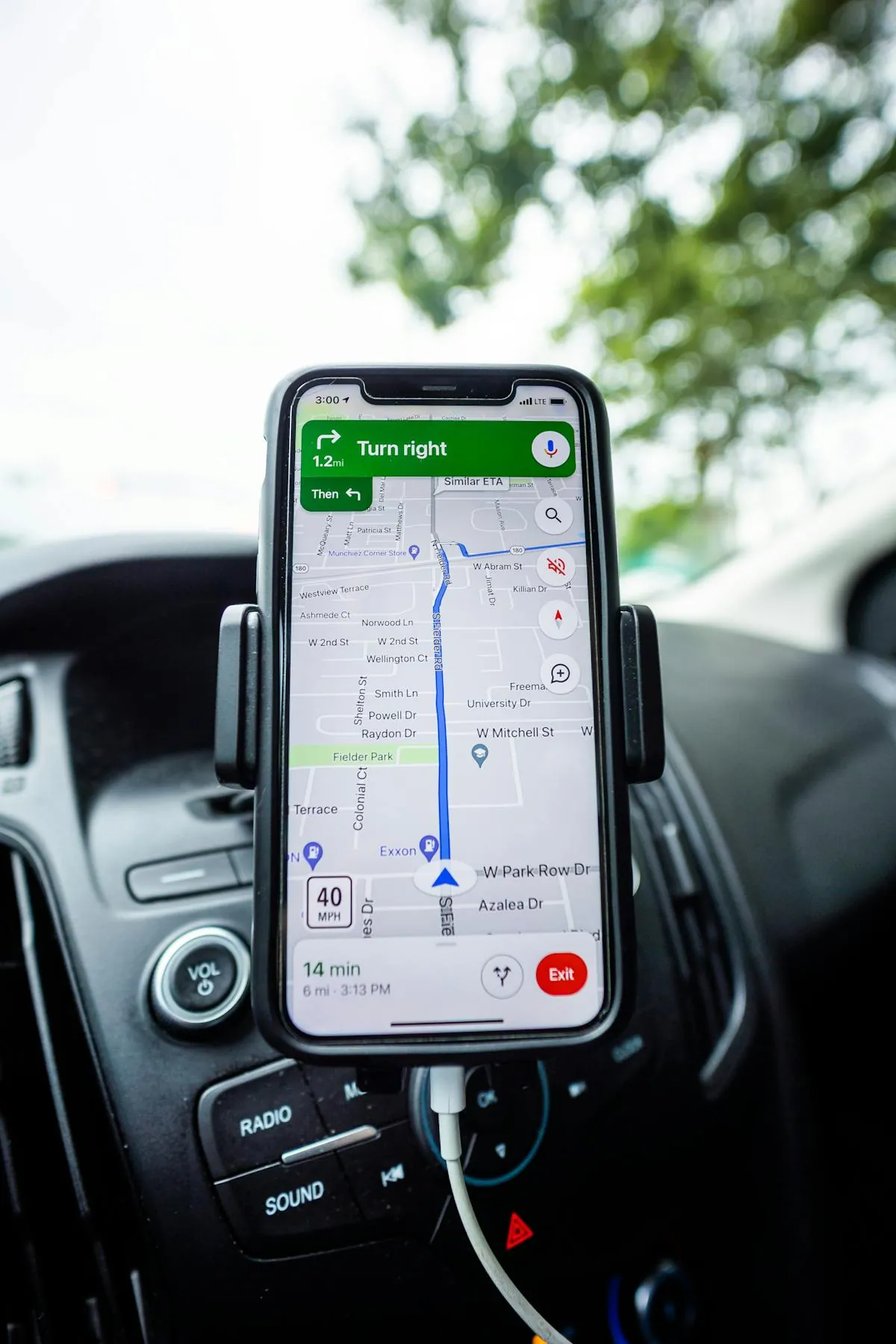
Apple does not let App Store apps override system GPS. That single restriction shapes everything about iPhone location spoofing. There are six methods that work around it in 2026, each suited to a different use case: chat sharing, dating apps, Pokemon GO, family trackers, or just unlocking Instagram geotags from another city.
Below is the full comparison plus how to pick.
Quick Comparison
| Method | Difficulty | Cost | Risk |
|---|---|---|---|
| 1. Apple Maps card in chat | Easy | Free | None |
| 2. USB cable spoofer (iAnyGo, AnyTo) | Easy | $10-$20/mo | Low-medium |
| 3. Bluetooth GPS dongle | Medium | $30-$130 once | Low |
| 4. Xcode Simulate Location | Hard | Free (with Mac) | High (detected) |
| 5. Photo with fake GPS EXIF | Easy | Free | None |
| 6. Jailbreak + tweak | Hard | Free | Very high |
Method 1: Apple Maps Card in Chat (Free, Most Use Cases)
For the majority of why people want to fake their location, sending a believable map card to someone in chat is enough. The recipient sees a real Apple Maps preview with the address, coordinates, and a tappable thumbnail. iMessage, WhatsApp, Telegram, Mail, even Instagram DM all render Apple Maps URLs this way.
Location Changer is built for this. Tap any spot on the world map, the app generates a card with the auto-detected street address, exact GPS coordinates, elevation, and the Apple Maps link. Share to the chat of your choice. Free.
Best for: dating apps after the match (Tinder, Hinge, Bumble chats moved to iMessage), pranks, privacy when sharing meeting spots, fake travel posts, parents asking for proof.
Method 2: USB Cable Spoofer (Most Powerful, Subscription)
For changing your iPhone's system GPS so every app on the phone reads the fake position, you need a desktop tool that connects via USB. The three biggest in 2026: Tenorshare iAnyGo, iMyFone AnyTo, LocaChange.
| Tool | Price | Killer Feature |
|---|---|---|
| Tenorshare iAnyGo | $9.99/mo, $69.99 lifetime | Best cooldown timer + GPX import |
| iMyFone AnyTo | $12.95/mo, $79.95 lifetime | Cleanest multi-stop routes |
| LocaChange | $9.99/mo, $59.99 lifetime | Cheapest lifetime |
All three work on iOS 26 after their late-2025 patches for tunneld. Plug iPhone in, run the desktop app, pin the spot, every iOS app sees the fake GPS.
Best for: Pokemon GO, Snapchat geofilters, Tinder match feed (paired with VPN), Find My fake position.
Method 3: Bluetooth GPS Dongle (No Computer Needed)
Bluetooth GPS receivers (Garmin GLO 2, GFaker, BlueLuPo) inject coordinates into iOS as an external GPS source. No cable, no computer. Pair to your iPhone, set a location in the companion app, every iOS app reads the new coordinates.
Hardware costs $30-$130 once. Cleanest signal pattern of any spoof method because iOS treats the dongle as a normal peripheral GPS, not as an injected fake.
Best for: Pokemon GO power users who do not want to keep a computer attached. Travel content creators.
Method 4: Xcode Simulate Location (Free, Detected)
With a Mac and a free Apple Developer account, Xcode lets you override your iPhone's location for any app while the iPhone is connected. Set it once, every app reads the fake coordinates.
Catch: most apps that care about detection (Pokemon GO, Tinder, Life360) check for the developer-injection signal. Niantic has detected it since 2018. Soft bans usually arrive within hours. Use Xcode for your own app testing, not for production spoofing.
Method 5: Photo with Fake GPS EXIF (Free, Niche)
Photos can carry GPS coordinates in their EXIF metadata. Apps that read photo metadata (Instagram location picker, some dating-app verification flows) will treat the embedded GPS as the photo's real location.
Location Changer's photo feature captures a photo with any GPS coordinates baked into the EXIF. Save to Camera Roll, post or share. Free.
Best for: Instagram posts tagged from another city, photos sent as proof in chat, content creator workflows.
Method 6: Jailbreak + Tweak (Avoid in 2026)
LocationFaker and Akylas were the staples in 2018-2020. They only work on iPhones supported by checkra1n or palera1n (mostly older A11-and-below devices). Apps that detect jailbreak runtimes (Pokemon GO, banking apps, Netflix) refuse to run or flag your account. Niche option in 2026, mostly for hobbyists.
Free iPhone App: The Most-Used Method
Method 1 (Apple Maps card in chat) covers most reasons people want to fake location. Location Changer drops a pin anywhere on the world map and generates a polished card with the address, coordinates, elevation and Apple Maps link, ready to send in iMessage, WhatsApp, Telegram or any chat. Free.


Pick by Use Case
| Use Case | Best Method |
|---|---|
| Send a fake location in iMessage/WhatsApp/Telegram | Method 1 |
| Privacy when meeting from a dating app | Method 1 |
| Move Tinder/Bumble match feed | Method 2 + VPN |
| Pokemon GO spoofing | Method 3 (Bluetooth) or 2 (USB) |
| Snapchat / Instagram geofilters | Method 2 or 5 |
| Find My / family tracker | Method 2, or second iPhone trick |
| Instagram tagged posts | Method 5 (photo EXIF) |
| Prank a friend | Method 1 |
What Apps Detect Fake Location
- Pokemon GO: aggressive. Checks GPS pattern, Wi-Fi triangulation, motion sensors. Soft-bans escalating to permabans.
- Tinder, Hinge, Bumble: cross-check GPS, IP, Wi-Fi. Silent shadow throttling.
- Life360: checks mock-location flag on Android, motion patterns on both.
- Snapchat: very little. Mostly trusts GPS.
- WhatsApp / iMessage / Telegram: nothing. They render whatever you send.
- Uber / Lyft / DoorDash: minimal for riders. Stricter for drivers.
FAQ
Can I fake location on iPhone without a computer?
For chat shares (Method 1) and photo EXIF (Method 5), yes. For full system spoofing without a computer, only a Bluetooth GPS dongle (Method 3) qualifies.
Does fake location work on iOS 26?
Yes. All major spoofer tools shipped patches for iOS 26 in late 2025. Method 1 is unaffected because it does not touch system GPS.
Will Apple ban my account?
No. Apple does not ban accounts for spoofed locations. Individual apps (Pokemon GO, etc.) might.
Is jailbreaking needed?
No for Methods 1, 2, 3, 5. Yes for Method 6, which we recommend avoiding in 2026.