
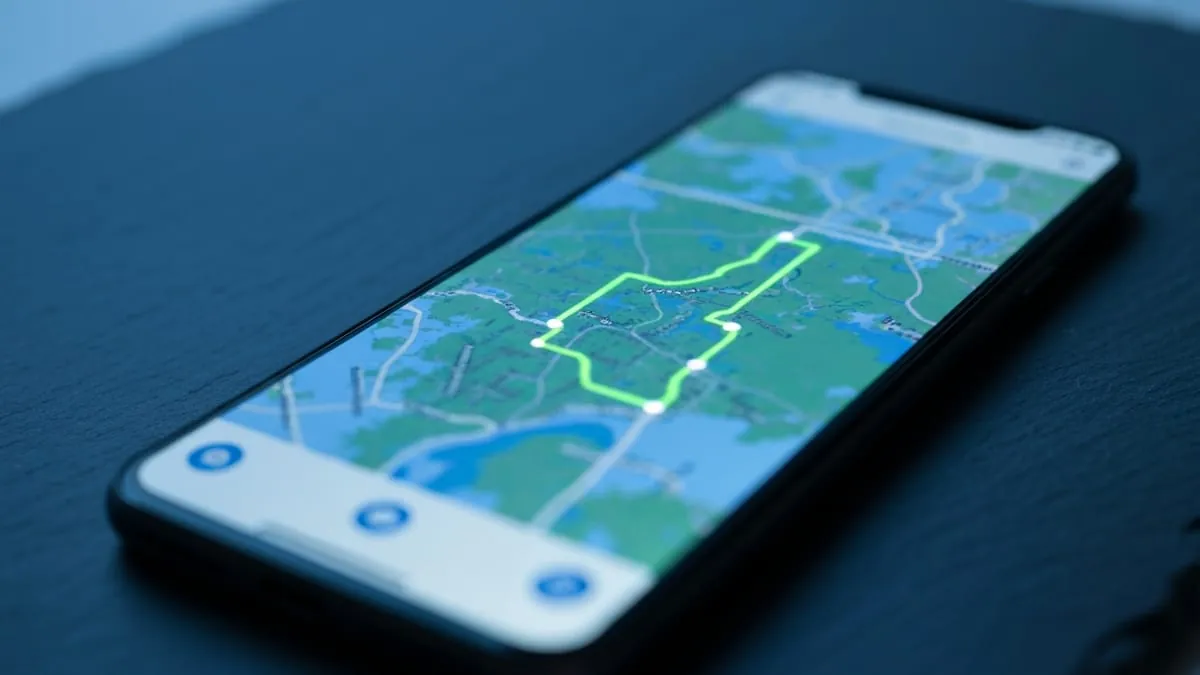
Yes, if Location History is enabled on your Google account. Timeline reconstructs your days: the places you stopped, roughly when you arrived and left, the routes between them, and often a guess at whether you walked, drove, or took a train.
Two things make it less alarming than it sounds. It is not shared with anyone, and Google has moved the data to on-device storage rather than keeping it on its servers. Two things make it worth paying attention to anyway, and those are below.
What Timeline Records vs What It Does Not
| Data | Recorded? | Visible to others? |
|---|---|---|
| Places you stopped at | Yes | No |
| Arrival and departure times | Yes, approximate | No |
| Routes and mode of travel | Yes, inferred | No |
| Photos you took, matched to places | Optional | No |
| Live position for other people | No | Separate feature |
Timeline and Google Maps location sharing are different systems and people conflate them constantly. Sharing shows someone your live position right now. Timeline is a private history that has never had a sharing feature at all.
The Move to On-Device Storage
Google has transitioned Timeline from account-level cloud storage to storage on the device itself, with an optional encrypted backup. In practice that means the history for a given phone lives on that phone rather than being reachable from any browser signed into your account.
It is a real privacy improvement, and it also changes the threat model. The risk is no longer mainly about Google holding the data. It is about whoever can unlock your phone, because that is now where the record sits.
How a Spoofed Location Shows Up
Timeline writes down whatever the device reported. Feed it a mocked position and that position becomes part of your history, indexed by date, sitting there until you remove it.
This catches people out in an unexpected direction. Someone spoofs a location for one afternoon, forgets about it, and months later their own Timeline is the thing that contradicts them. It is the only location record on this list that keeps a permanent trail, and it is worth checking after any spoofing session.
Turning It Off and Clearing It
Stop it recording
- Open Google Maps and tap your profile picture.
- Tap Your Timeline.
- Open the three-dot menu, then Location and privacy settings.
- Turn Location History off.
Delete what is already there
- In the same settings screen, choose Delete all Location History.
- Or set auto-delete to 3, 18, or 36 months so it prunes itself.
- To remove a single day or a single stop, open that day in Timeline and delete the entry directly.
Auto-delete is the setting most worth turning on, because it works without you remembering to do anything. Three months is enough for Timeline to be useful when you need to recall where you were, and short enough that nothing accumulates for years.
Switching It Off Does Not Stop Everything
Location History is one setting among several. Web & App Activity can still record location alongside searches. Individual apps keep their own logs regardless. Your mobile carrier records cell tower connections and no phone setting touches that.
Turning off Timeline stops Google building the map of your life. It does not make you invisible, and any guide claiming otherwise is overselling it.
Sharing a Place Without Sharing Yourself
If someone wants to know where a place is, you do not have to turn on live sharing to tell them. Location Changer drops a pin anywhere on the world map and produces a real map card with the address, coordinates and elevation for any chat. Free on iPhone and Android.


FAQ
Can my partner or parents see my Google Maps Timeline?
Not through any feature. Timeline has no sharing option. They would need access to your unlocked phone or your Google account.
Does turning off Location History delete what is already stored?
No. Switching it off only stops new recording. Deleting the existing history is a separate action in the same settings screen.
Why is my Timeline empty?
Usually Location History was never enabled, or the move to on-device storage means the history is on a different phone. Timeline is per-device now, so a new phone starts empty.
Is Timeline accurate?
Roughly. It infers stops and travel modes from patchy signal, so it regularly names the wrong shop on a busy street or calls a bus ride a car trip. Treat it as an approximation, not a log.
Can I edit a Timeline entry?
Yes. Open the day, tap the entry, and you can change the place, adjust the times, or delete it entirely.