
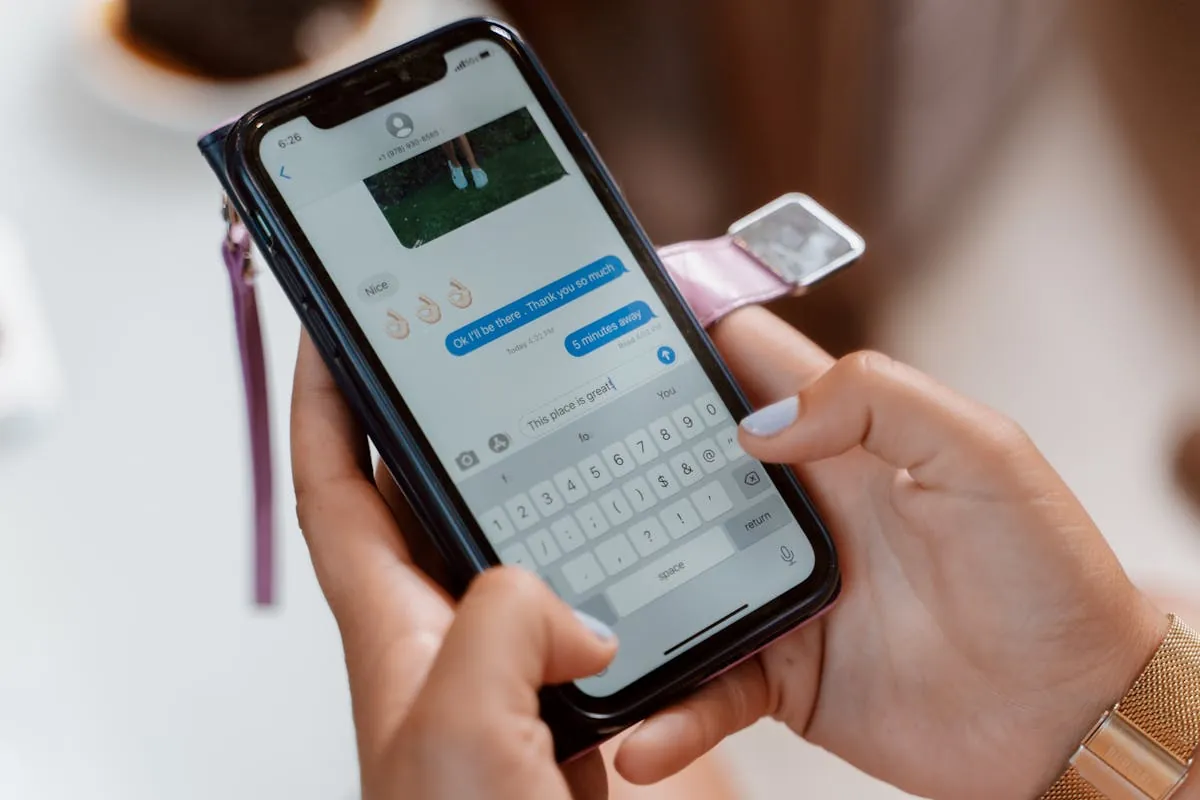
Facebook Messenger has two location features: a one-off "Send Location" pin and a "Share Live Location" that broadcasts your position for up to an hour. Both pull from your phone's system GPS. Messenger does no spoof detection, so anything your phone reports gets shown to the recipient as the truth.
Four methods that work on iPhone and Android in 2026.
Quick Comparison
| Method | Platform | Static or Live | Cost |
|---|---|---|---|
| 1. Apple Maps link in Messenger | iPhone | Static | Free |
| 2. Google Maps share link | Both | Static | Free |
| 3. Android mock location + Messenger Live | Android | Live | Free |
| 4. iPhone USB spoofer + Messenger Live | iPhone | Live | $10-$20/mo |
Method 1: Apple Maps Link via Location Changer (iPhone, Free)
Messenger renders Apple Maps links as link previews with a map thumbnail and address. Location Changer drops a pin on any spot in the world and generates the link plus the address card automatically.
- Open Location Changer.
- Tap any spot on the world map.
- Tap Share, pick Messenger.
- Pick the chat and send.
Messenger shows the message with a map thumbnail, the address, and a tap-to-open button that launches Apple Maps to the spot.
Method 2: Google Maps Share Link (Both, Free)
No extra app needed on either platform.
- Open Google Maps.
- Long-press the spot. Pin drops.
- Tap the pin info card, then Share.
- Pick Messenger and the chat.
For a more polished share, paste the address and coordinates as a separate text message after.
Method 3: Live Location with Android Mock Location (Free)
- Settings, About phone, tap Build number 7 times to unlock Developer Options.
- Install "Fake GPS Location" by Lexa or "GPS JoyStick" from Play Store.
- Settings, System, Developer Options, "Select mock location app," pick Fake GPS.
- Open Fake GPS, set a spot, hit Start. Leave running.
- In Messenger, open the chat, tap the four-dot menu, "Location." Pick "Share Live Location" and the duration.
- Messenger broadcasts the fake coordinates.
Drop a Pin, Send a Real Map Card to Messenger on iPhone
Location Changer turns any spot on the world map into a shareable card with the address, exact coordinates and elevation, plus a real Apple Maps link. Send to Messenger, iMessage, WhatsApp or any chat. Free iPhone app.


Method 4: Live Location on iPhone (USB Spoofer)
For fake Live Location on iPhone, use Tenorshare iAnyGo, iMyFone AnyTo, or LocaChange. All three work on iOS 26. Plug in your iPhone, run the spoofer, pin the fake spot, start. Open Messenger, Share Live Location, pick the duration. Messenger broadcasts the spoofed GPS for up to 60 minutes.
Can Messenger Detect a Fake Location?
No. Messenger does not verify shared locations and does not flag mock GPS. The recipient sees the same map preview as a real share.
FAQ
How long does Messenger Live Location last?
Up to 60 minutes per share. You can stop early or extend by reactivating.
Will Facebook ban my account for sharing fake locations?
No. Sharing location is a normal app feature.
Does the recipient need Facebook installed?
Yes, the Live Location share renders only inside Messenger. Static links (Methods 1 and 2) open in any browser or maps app.