
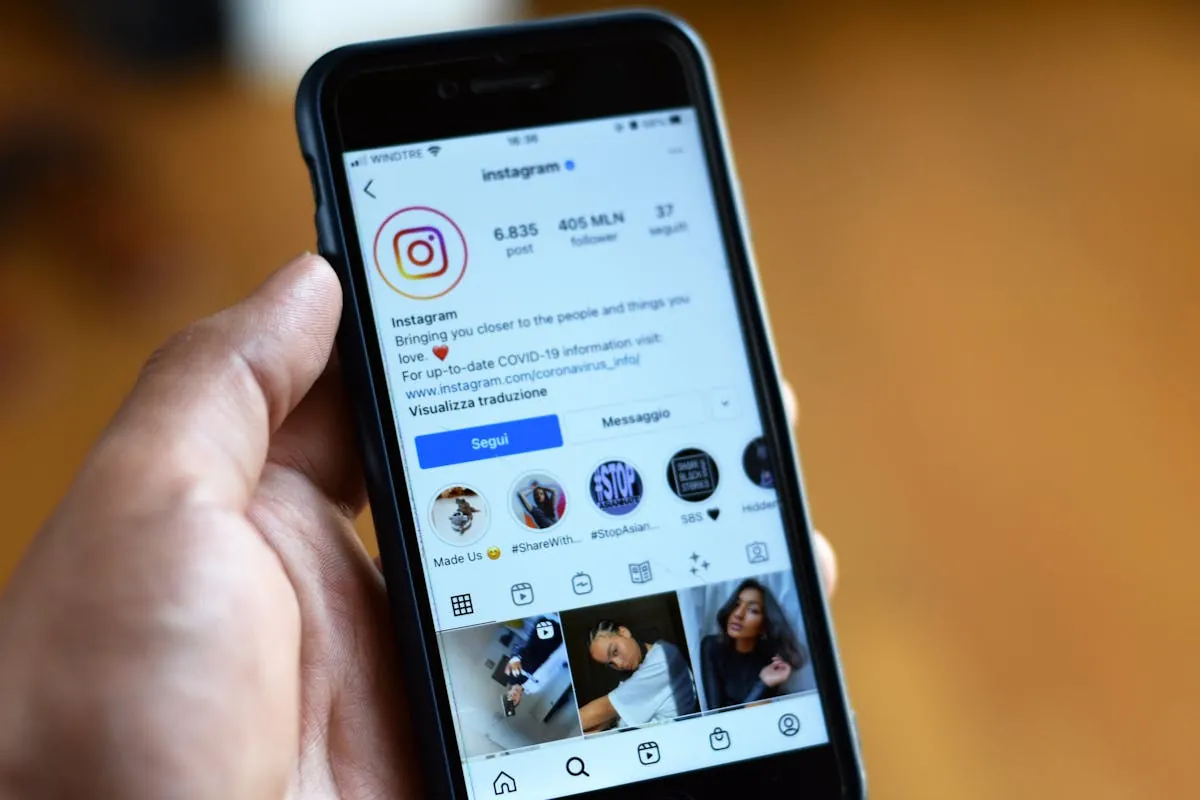
Instagram's location tag is a list of nearby places fed by Facebook's database. When you open the location picker on a post or story, Instagram queries your phone's GPS, finds Facebook Places nearby, and offers them. The text you tap to tag a place is just a label, and Instagram does not verify whether you were really there.
That means there are two real angles for "faking" Instagram location: trick the location picker into showing places from another city, or just tag a place from anywhere using the search box. Both work, but they behave slightly differently. Here are the five methods for 2026.
Quick Comparison
| Method | Platform | Works For |
|---|---|---|
| 1. Search box trick (free) | Both | Posts, stories, reels |
| 2. Embed fake GPS in the photo (EXIF) | iPhone & Android | Photo metadata before upload |
| 3. Android mock location | Android | Real Snap Map-style tag from anywhere |
| 4. iPhone USB spoofer | iPhone | Same effect as Method 3 |
| 5. Send fake location in DM | Both | Direct messages |
Method 1: The Search Box Trick (Free, Most People Miss This)
You do not need to spoof anything to tag a location from another city. Instagram's location picker has a search box. If you type any city or place name, Instagram shows that location in the dropdown and lets you tag it.
Steps (identical on iPhone and Android)
- Create your post, story or reel as normal.
- On the share screen, tap "Add location" or the location sticker (stories).
- Type the city, neighborhood or specific venue you want to tag.
- Pick it from the dropdown and post.
Catch: some venues only show up in the dropdown when you are physically nearby. If a specific bar or restaurant does not appear, search a broader name (the city or the neighborhood). It will work.
Best for: 95% of Instagram users. Most location tagging needs are covered by this alone.
Method 2: Embed Fake GPS in the Photo Metadata
The EXIF metadata of a photo can carry GPS coordinates. Instagram does not display this metadata publicly but it does feed it into the location picker as suggestions. Embed fake coordinates and the suggestions match the fake spot.
If you are on iPhone
Location Changer's photo feature captures a photo with custom GPS coordinates baked into the EXIF. Take the photo through the app, save it to Camera Roll, then post to Instagram. The location picker will offer venues near the fake coordinates.
If you are on Android
Apps like "Photo Exif Editor" let you edit the GPS coordinates of any photo. Take or import a photo, edit the EXIF to set new coordinates, save, post.
Method 3: Android Mock Location (Cleanest System-Wide Spoof)
For a real, system-level fake location (Instagram thinks your phone is in another city), Android's mock location framework is free.
- Settings, About phone, tap Build number 7 times to unlock Developer Options.
- Install "Fake GPS Location" by Lexa from Play Store.
- Settings, System, Developer Options, "Select mock location app," pick the fake GPS app.
- Open the fake GPS app, pick a spot, hit Start.
- Open Instagram. The location picker now offers nearby places from your fake spot.
Instagram does not read the mock location flag in 2026, so no detection penalty. Good for creators wanting to make a series of posts that look like they are on a trip.
Method 4: iPhone USB Spoofer
iPhone needs a USB cable spoofer for system-level GPS change. Tenorshare iAnyGo, iMyFone AnyTo and LocaChange work on iOS 26. Plug your iPhone into a Mac or PC, run the spoofer, pick a spot. Open Instagram. The location picker now shows places near the fake coordinates.
Same effect as Method 3 for Android. The catch is the computer dependency and the subscription cost ($10-$20/mo or $60-$80 lifetime).
Take Photos with Fake GPS Metadata on iPhone
Location Changer captures a photo with the GPS coordinates of any spot you choose embedded in the EXIF. Save to Camera Roll, post to Instagram, and the location picker will suggest venues from the fake spot. Free iPhone app, also drops shareable Apple Maps pins for DMs.


Method 5: Send a Fake Location in Instagram DM
Instagram DMs render Apple Maps and Google Maps links as previews. Pair a real location pin in DM with whatever else you are sending. Easy on both platforms.
iPhone: Location Changer generates a clean Apple Maps card with address, coordinates, elevation and the link. Share to Instagram and the DM shows a tappable preview.
Android: Open Google Maps, long-press the spot, share the link, paste in DM.
Can Instagram Detect Fake Location?
Instagram does almost no detection of spoofed locations. The platform does not read mock location flags, does not cross-check IP against your tagged place, and does not flag posts tagged from cities you have never been in.
What Instagram does do: aggregate "Top Posts" by location, which means tagging a popular city gives you a small SEO boost in that city's explore page. This is why travel creators tag every post with the city they are featuring.
FAQ
Can I tag a location from another country?
Yes. Method 1 works for any city on Earth. Just search for it in the location picker.
Will my followers know the location is fake?
No way for them to verify. The tag is just text and a Facebook Places ID.
Does Instagram strip the GPS metadata from photos?
Yes, Instagram removes EXIF from photos when they are posted publicly. But it reads the EXIF before stripping to populate the location picker.
Can I fake the location on Instagram Reels?
Yes. The location sticker on a Reel works the same way as on a post or story. Type any city in the search box.